What can I do with Jot Minder?
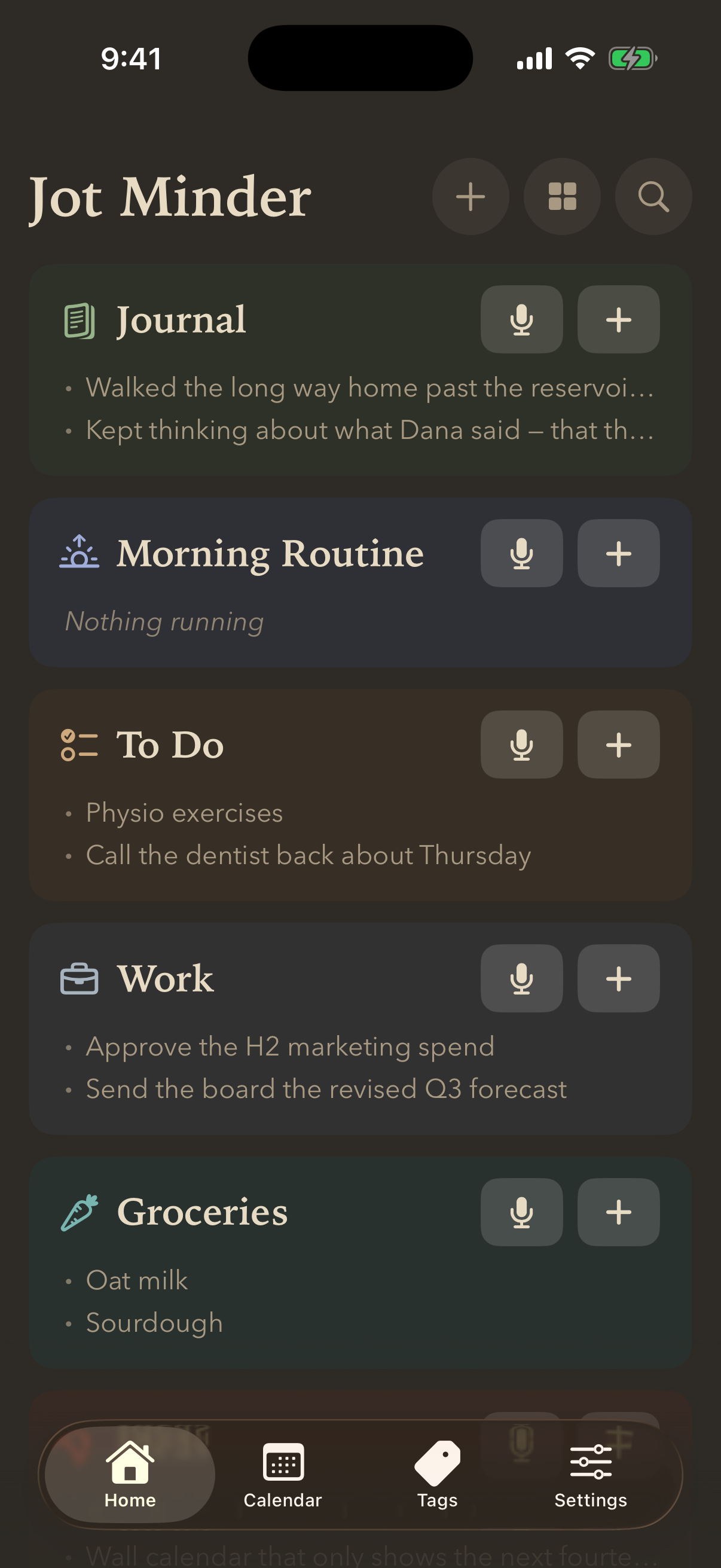
Jot Minder is one place for the things you would otherwise scatter across a notes app, a reminders app, a timer and an alarm clock. You say something or type it, and it gets written down and filed where it belongs.
There are six kinds of thing you can make:
- A checklist — things to tick off, with due dates, repeats and reminders.
- A notes list — anything unstructured. Ideas, drafts, quotes.
- A journal — a notes list whose entries sit on the calendar by the day you wrote them.
- A timers list — reusable countdowns, which can be chained into a routine.
- An alarms list — clock alarms, optionally hard to dismiss.
- A folder — a box to keep the above in once you have a few.
You can capture into any of them from the app, from your Apple Watch, from Siri, from a widget, from the Action Button, or by sharing something in from another app.
There is no account and no subscription, and nothing leaves your iPhone unless you switch on a backup.
Still stuck? Email me — a person reads every one.