Can I change how the app looks?
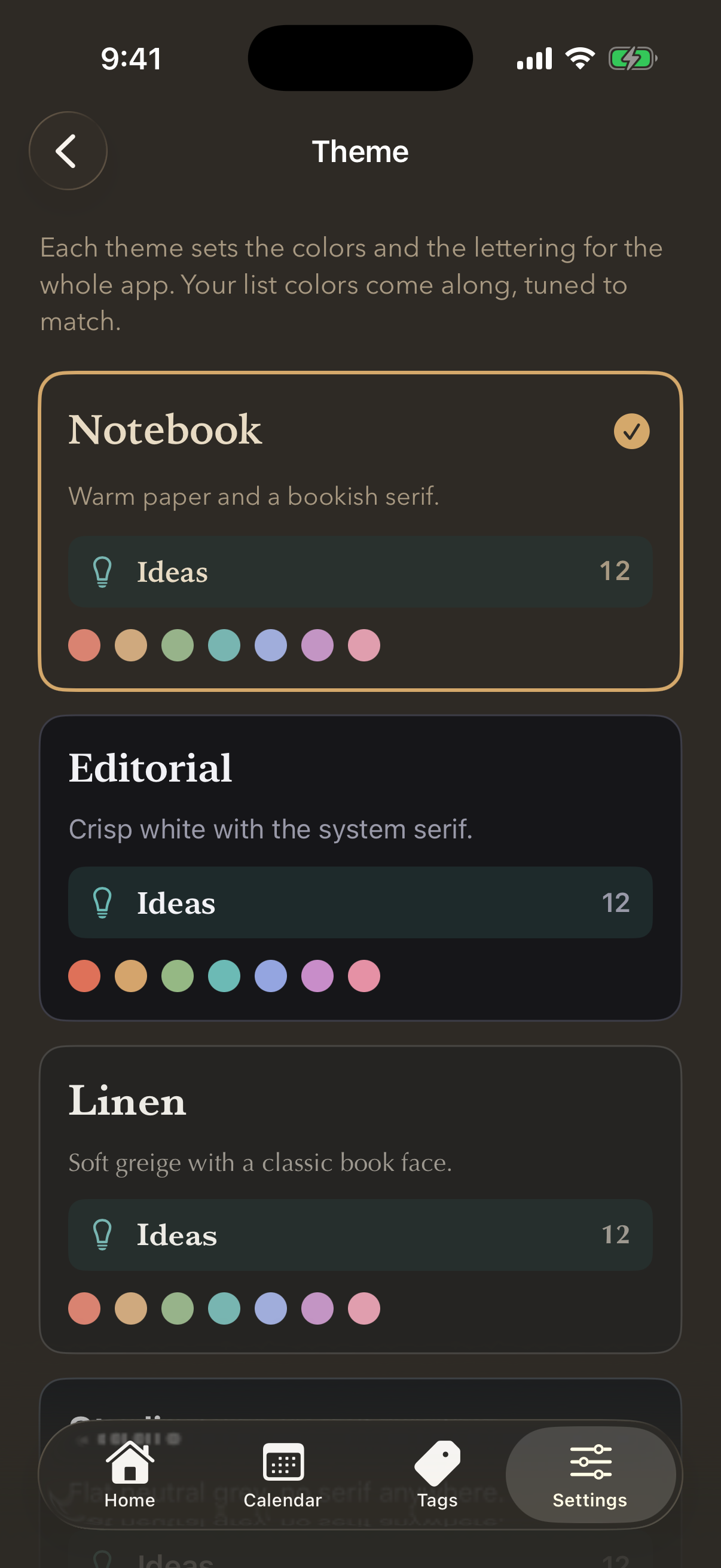
Yes. Open Settings and choose Theme. There are seven, and each changes the paper, the ink and the lettering across the whole app.
- Notebook — warm paper and a bookish serif.
- Editorial — crisp white with the system serif.
- Linen — soft greige with a classic book face.
- Studio — flat neutral grey, no serif anywhere.
- Playground — bright and rounded, colours turned all the way up.
- Press — newsprint white with a slab headline.
- Slate — cool blue-grey, easy at night.
A theme also sets how loud the list colours render. The eight swatches are the same everywhere — Linen’s teal and Playground’s teal are recognisably the same colour, at different volumes.
Separately, every list carries one of eight colours, which is what lets you tell them apart at a glance. That is set per list under Edit List.
The app follows your iPhone's light and dark setting.
Still stuck? Email me — a person reads every one.