How do I find something I saved?
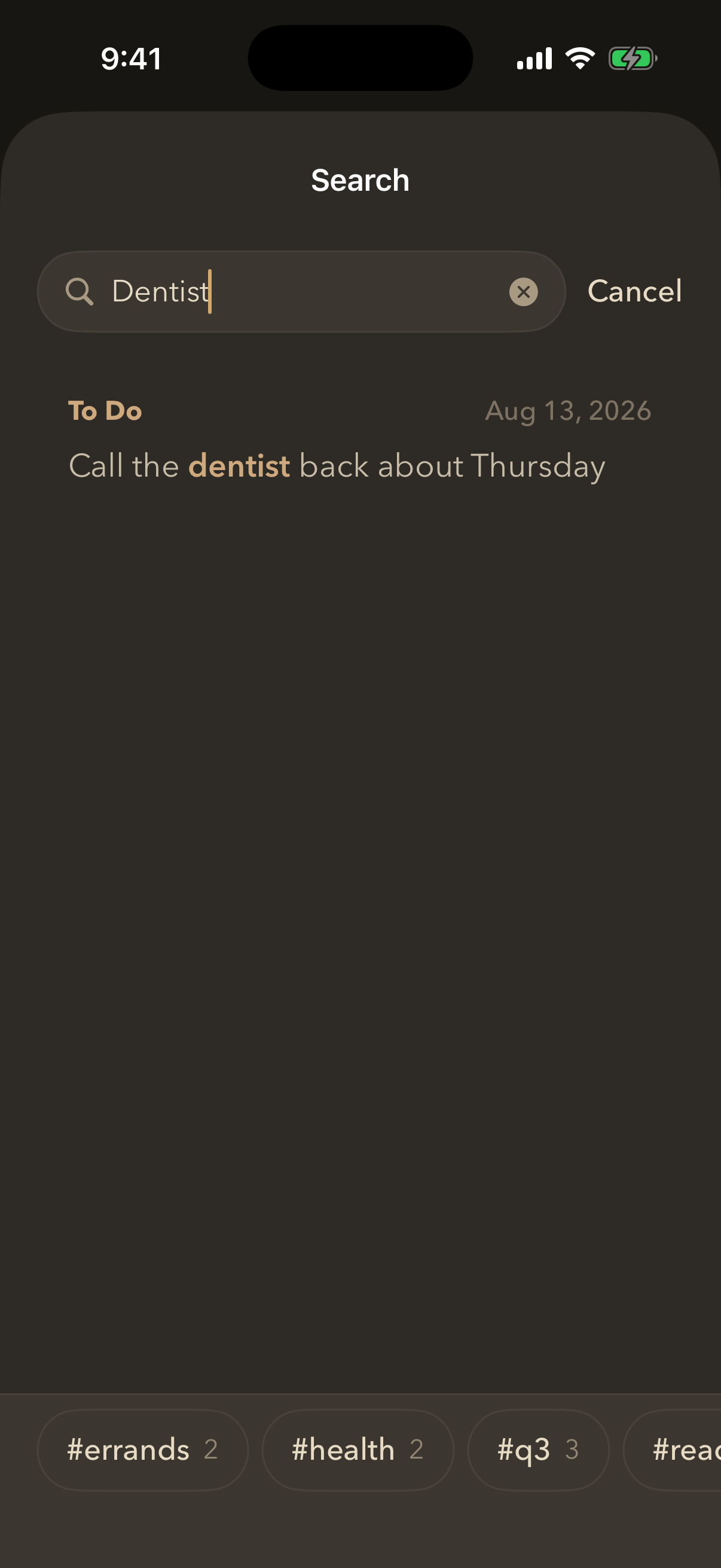
Tap the magnifying glass at the top of the home screen. It searches the full text of everything you have saved — typed or spoken, since spoken jots become text.
There are three places to search from, and each one narrows what it looks at:
- Everything — the magnifying glass on the home screen.
- One folder — open the folder and search from there. Only the lists inside it are looked at.
- One list — open the list and tap its own search icon.
By default a search is forgiving: it finds jots containing all of your words, in any order, and will match the start of a longer word. So pick milk finds “pick up the milk”.
To find an exact phrase, put it in quotes. Searching “pick up milk” finds only jots with those words in that order, next to each other — not one that says milk in one line and pick up in another. A quoted search is taken literally, so if nothing matches you are told so rather than shown near misses.
You can also narrow by tag from the same screen, and searching finds list names and tag names as well as the words inside your jots.
Search shows the first 50 matches and says so when there are more, so a full screen is never mistaken for the whole answer.
Still stuck? Email me — a person reads every one.