Can I change a list's colour and icon?
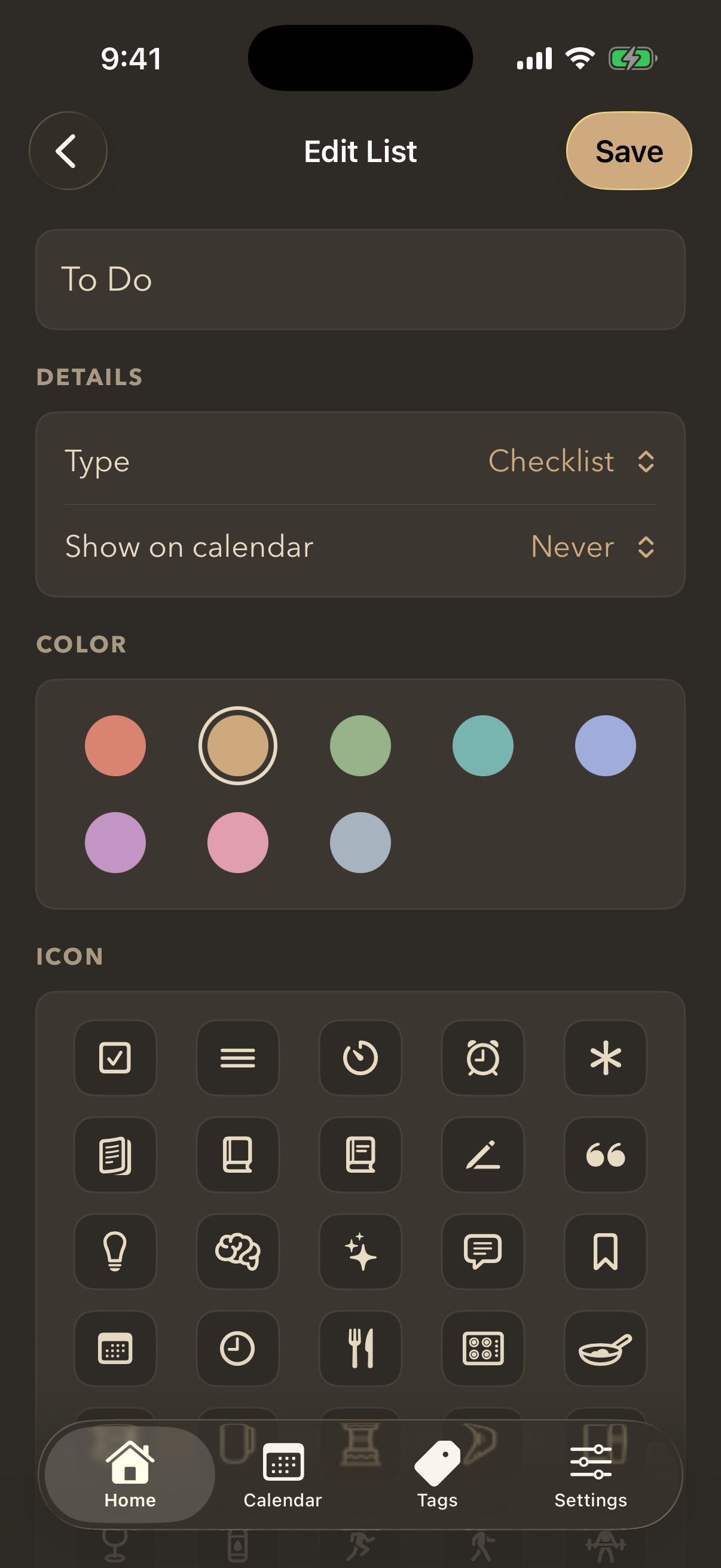
Yes. Colour is how you tell your lists apart at a glance, so it is worth setting.
- Open the list and tap the settings icon.
- Choose Edit List.
- Pick a colour and an icon.
- Tap Save.
The colour carries through: the list's card on the home screen, its own screen, and its entries on the calendar all wear it.
Still stuck? Email me — a person reads every one.