Can I create folders for my lists?
Yes. Once you have more than a handful of lists, folders keep the home screen readable.
- Tap + at the top of the home screen.
- Give it a name.
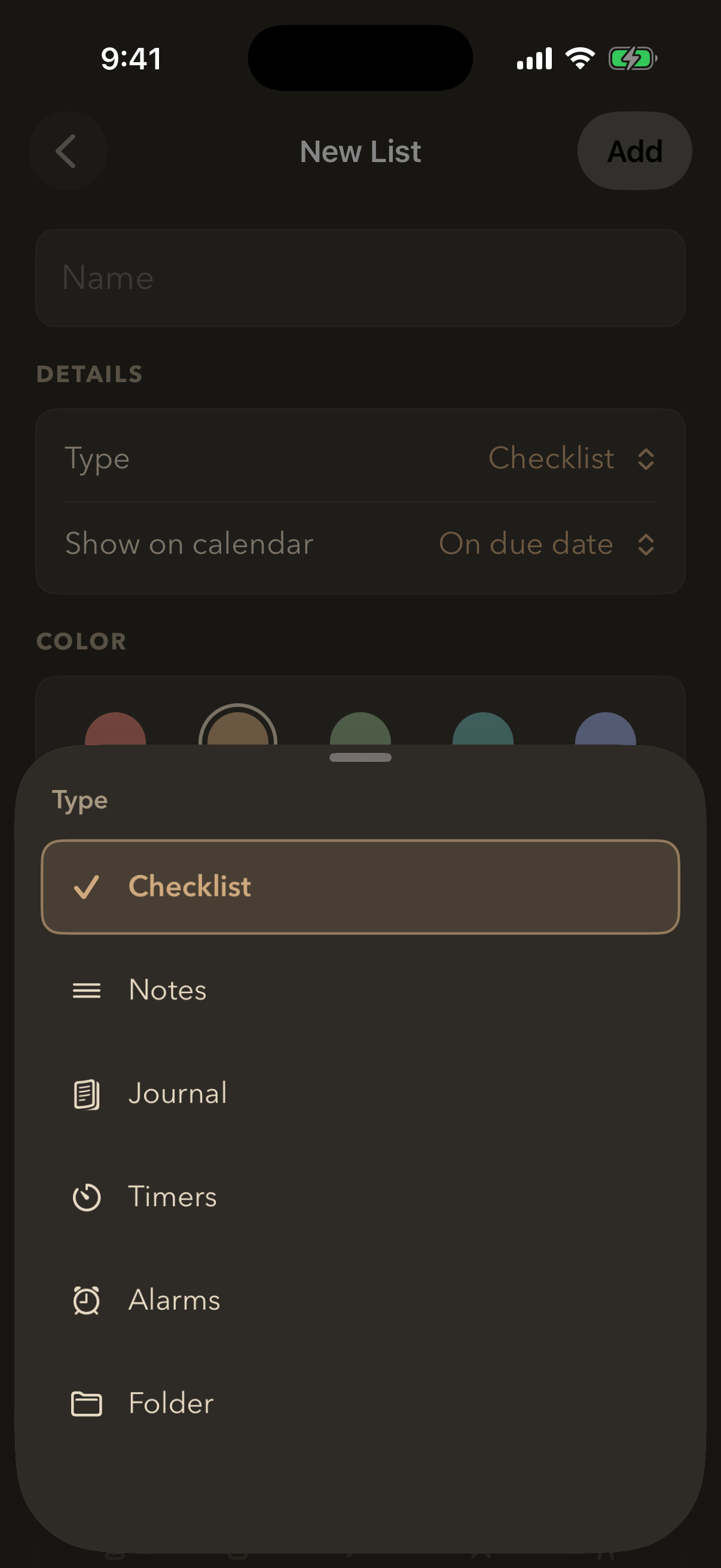
- Change Type to Folder.
- Pick a colour and an icon if you want, then tap Add.
A folder appears on your home screen as an outlined card showing how many lists are inside. Tapping it opens a screen that works exactly like home — the same cards, the same list or grid choice — but showing only what is in that folder.
Folders do not go inside other folders. Choosing Folder as the type while you are inside one makes a new folder on the home screen instead.
Still stuck? Email me — a person reads every one.